Infrastructure

My PaaS Arsenal

Building a Simple, Modern, Yet Powerful PaaS Infrastructure for Hosting 30+ ASP.NET Core Demo Applications

A technical deep-dive into self-hosted, container-based deployment

One of the questions I receive most often is surprisingly not about C#, ASP.NET Core, or Clean Architecture.

Instead, it's this:

“How do you host all of your live demo applications?”

Today, I maintain dozens of web application demos—CRM systems, POS applications, ERP modules, HR software, inventory systems, and various reusable templates.

Each application needs to be:

Available 24/7
Easy to update
Isolated from other applications
Protected with HTTPS
Connected to its own database
Cost-effective to operate

Years ago, the answer was easy. Windows Server. Microsoft IIS. Publish. Done. That changed when I migrated my entire infrastructure to Linux. Ironically, the migration wasn't driven by technology—it was driven by economics.

The Shift

Why I Left Windows Server

Running dozens of demo applications on Windows Server works perfectly fine. The problem wasn't capability. It was cost.

A VPS running Windows Server Datacenter with enough CPU and RAM to host many ASP.NET Core applications is significantly more expensive than an equivalent Linux VPS. Once your infrastructure begins growing beyond a few applications, licensing costs become difficult to ignore.

I wanted something that was:

cheaper easier to automate container-friendly cloud-native capable of CI/CD maintainable by one person

Linux turned out to be the perfect fit. Today, the entire platform runs comfortably on a single VPS with:

8

vCPU

24 GB

RAM

Despite hosting more than thirty applications, the server remains responsive thanks to containerization and careful resource management. The operating system is almost invisible. Docker became the real operating system.

Philosophy

My Philosophy

People often imagine Platform as a Service (PaaS) as something incredibly complex. Kubernetes. Service Mesh. Helm Charts. Hundreds of YAML files. For large organizations, those technologies make sense. For an independent software developer? Probably not.

“Deploy a production-ready application with a single Git push.”

That's it. Everything in this infrastructure exists to support that single objective.

The Arsenal

The Arsenal

Instead of relying on one massive platform, I assembled several focused open-source tools. Each tool does one thing exceptionally well. Together, they form a lightweight but surprisingly capable PaaS.

Infrastructure Components Overview

Developer
Git Push
Gitea
Portainer
Docker Build
Deploy
Nginx Proxy
HTTPS Live
Tool #1

Gitea

Self-Hosted Git Repository

about.gitea.com →

Every application begins here. Gitea stores all source code repositories for my commercial and internal projects.

I chose Gitea because it is lightweight, fast, self-hosted, open source, and extremely easy to maintain. Running my own Git server also means complete ownership of the development workflow.

Every deployment begins with a Git commit.
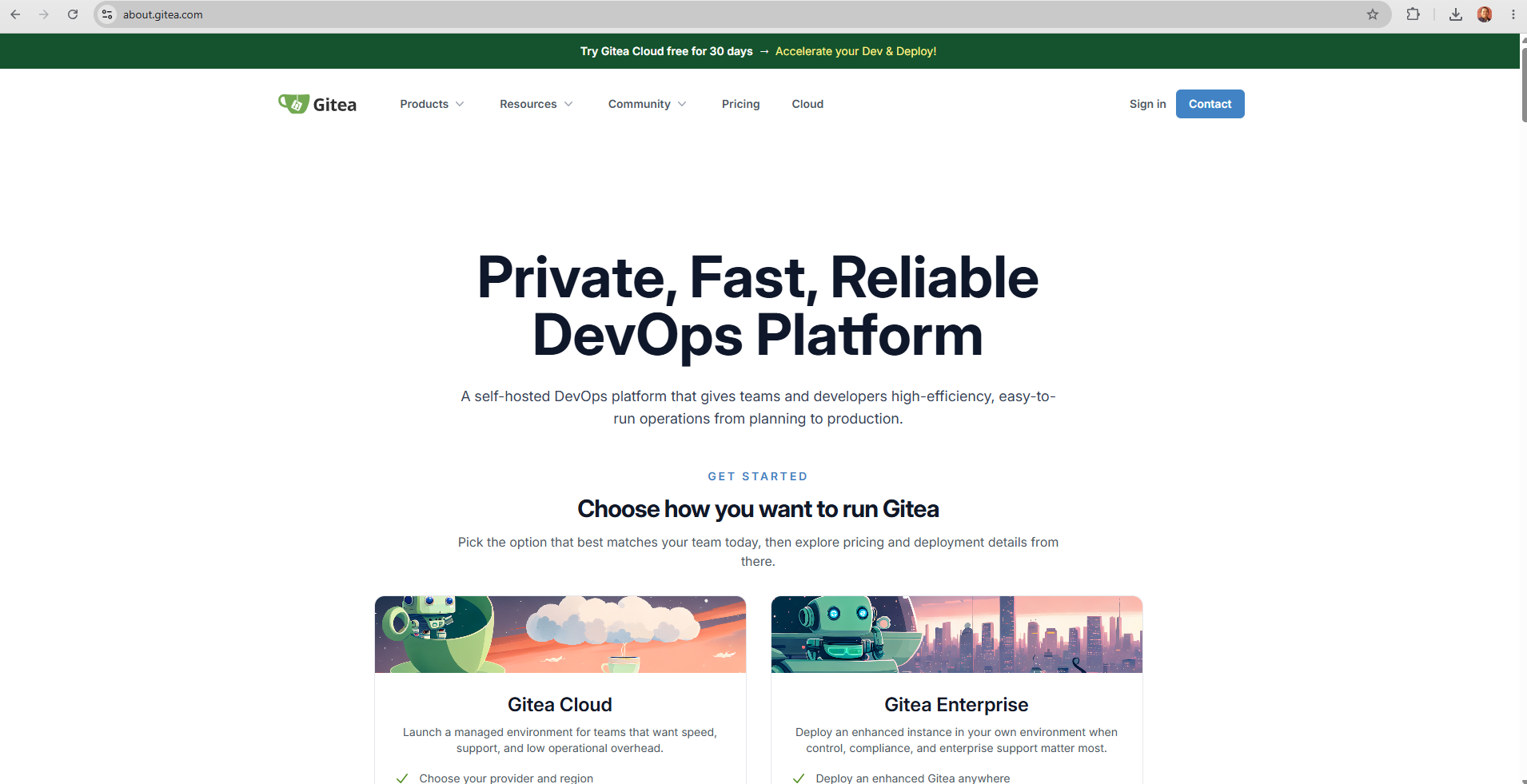
Gitea landing page

Gitea — lightweight self-hosted Git service
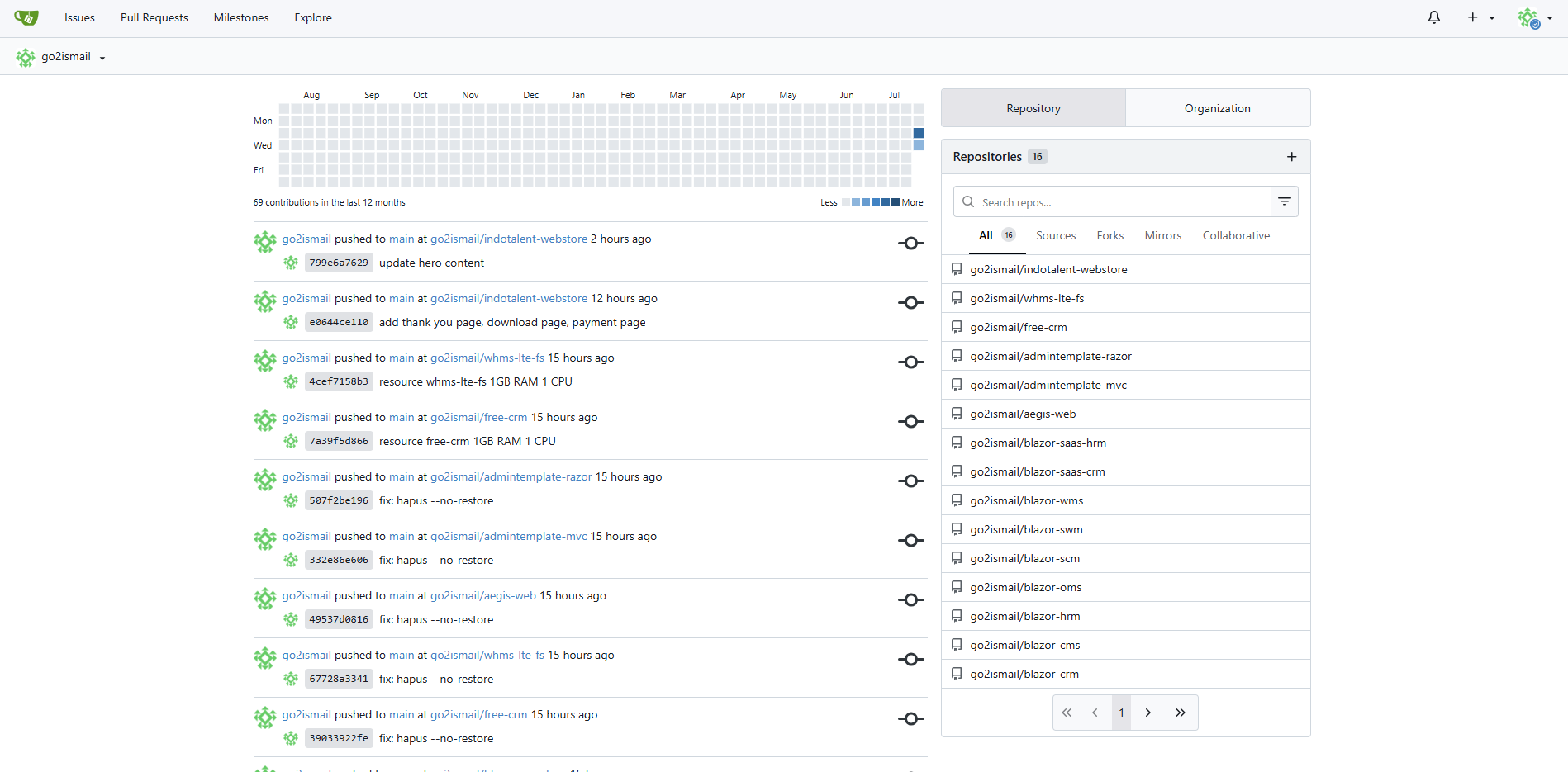
Gitea real-world usage

Real-world Gitea dashboard — managing multiple repositories for demo applications

Tool #2

Portainer

Docker & Deployment Management

portainer.io →

Portainer is the heart of the platform. Many people think Portainer is simply a Docker dashboard. It is much more than that.

Every application in my infrastructure is defined by a Docker Compose file stored inside its Git repository. Each stack in Portainer continuously monitors its corresponding repository. Whenever new commits arrive, Portainer automatically:

  • pulls the latest source code
  • rebuilds the Docker image
  • recreates the container
  • deploys the updated application

No SSH. No manual publishing. No copying files. No Remote Desktop. Deployment becomes almost effortless. From my perspective, updating production often feels no different from committing code.

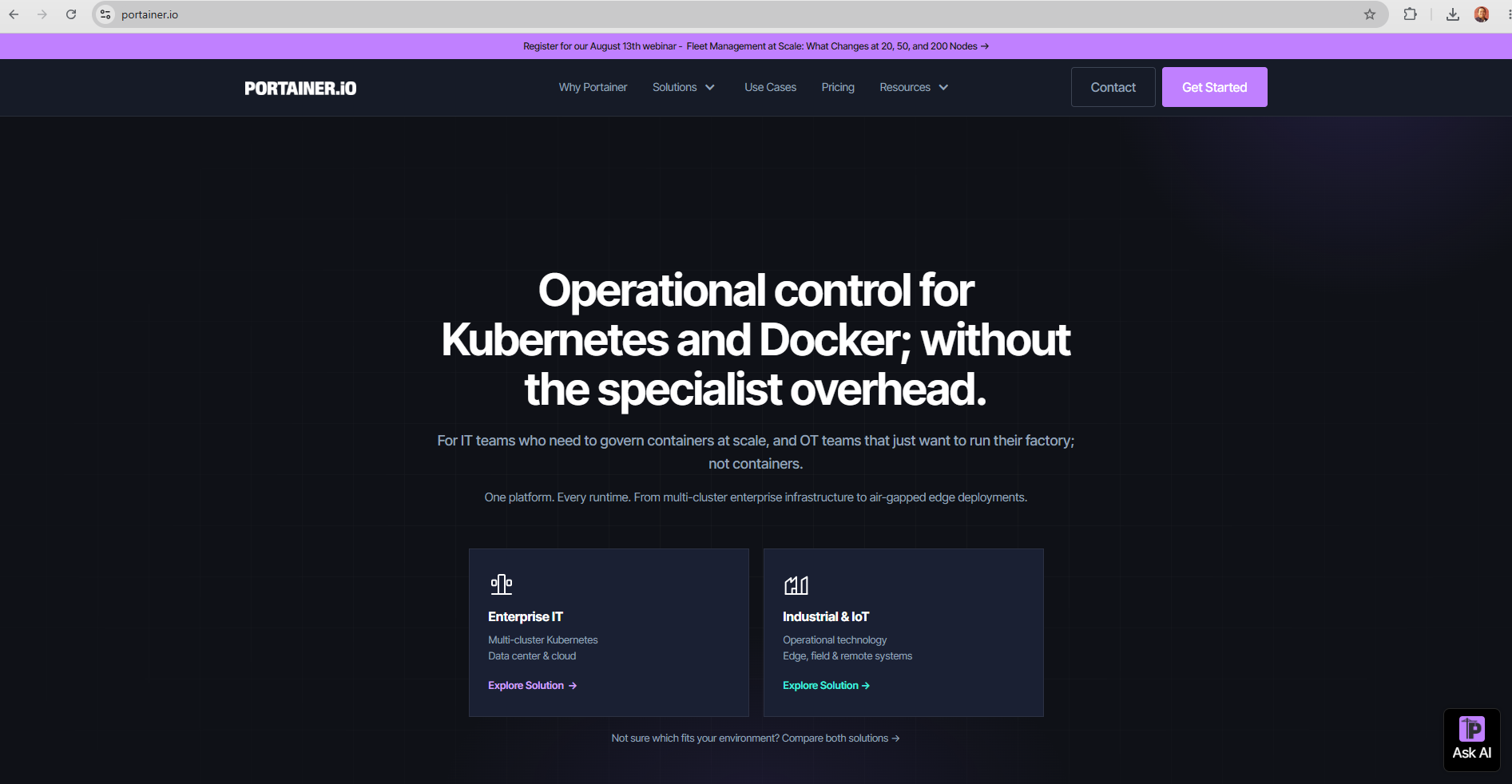
Portainer landing page

Portainer — Docker management and CI/CD automation

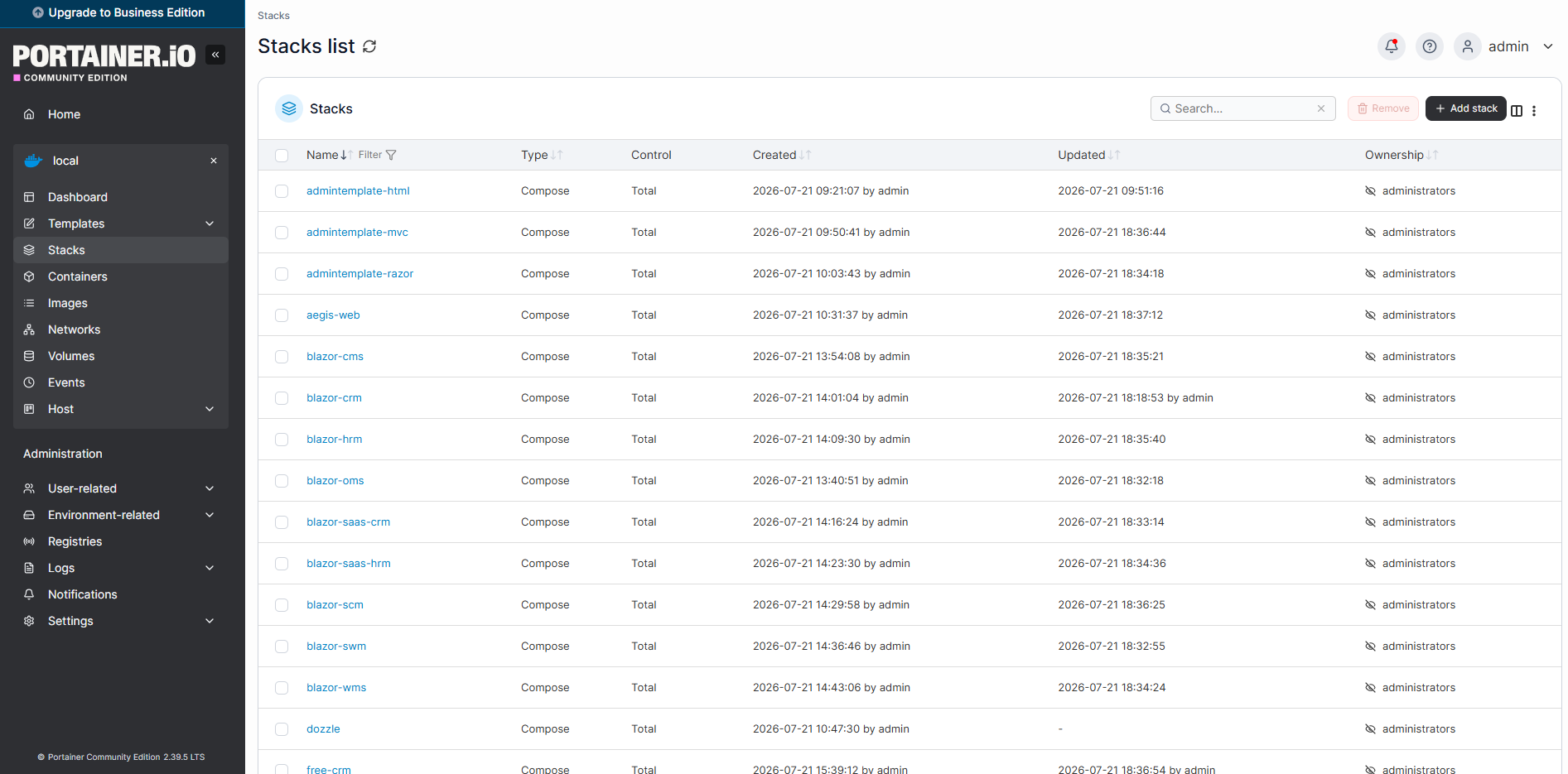
Portainer real-world usage

Real-world Portainer dashboard — managing 30+ running containers

Tool #3

Nginx Proxy Manager

Reverse Proxy Made Simple

nginxproxymanager.com →

If Portainer is the heart, Nginx Proxy Manager is the traffic controller. Every application runs inside Docker. None of them expose ports directly to the internet. Instead, every container communicates through Docker's internal network.

This design provides several advantages. Applications can securely communicate with PostgreSQL, Microsoft SQL Server, CloudBeaver, internal APIs, and other containers without exposing database ports publicly.

Nginx Proxy Manager simply routes incoming HTTPS traffic to the correct container. It also automates one of the most annoying parts of hosting websites: SSL certificates. Let's Encrypt certificates are issued and renewed automatically. No manual renewal. No certificate expiration reminders. No downtime.

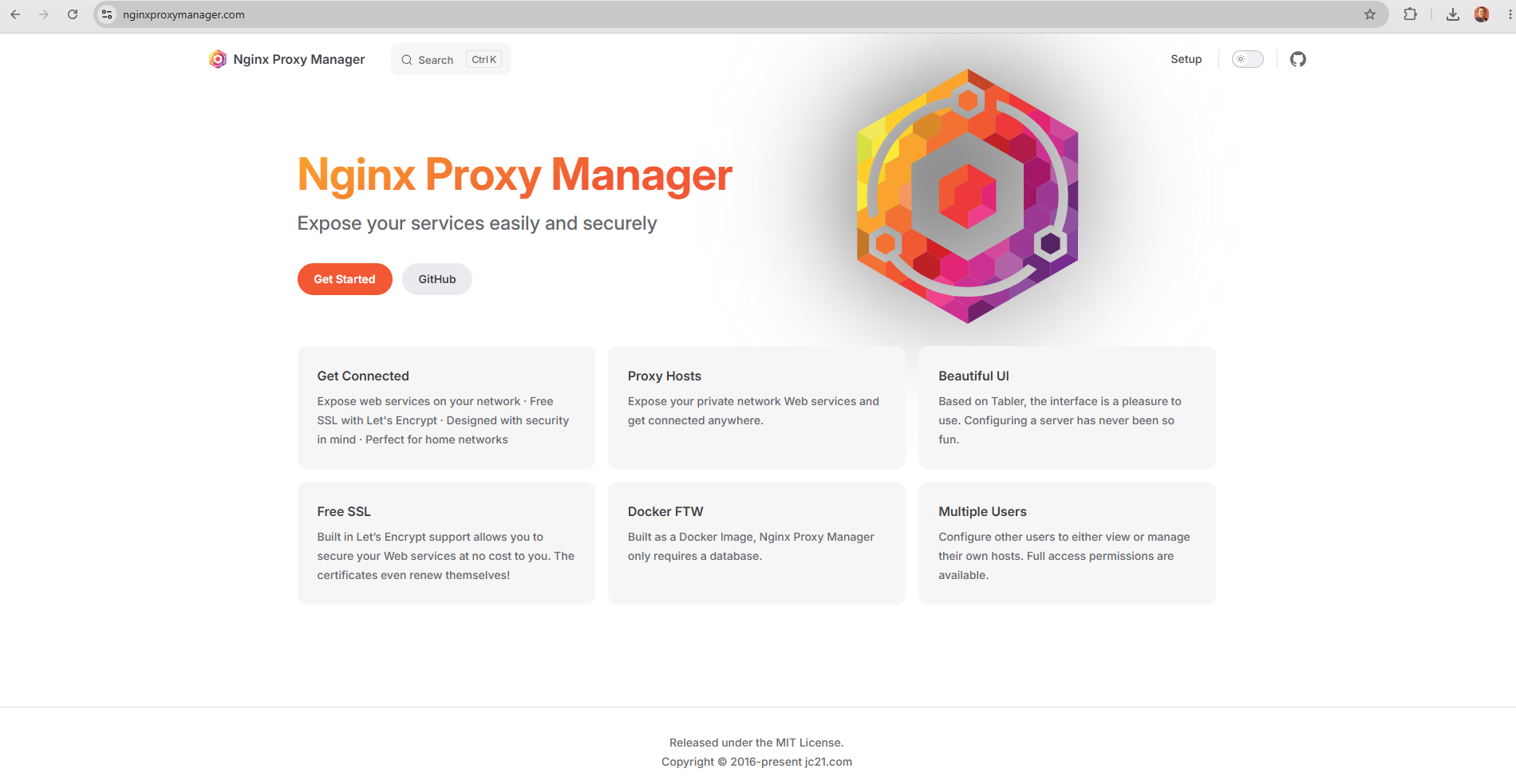
Nginx Proxy Manager landing page

Nginx Proxy Manager — reverse proxy with automated SSL

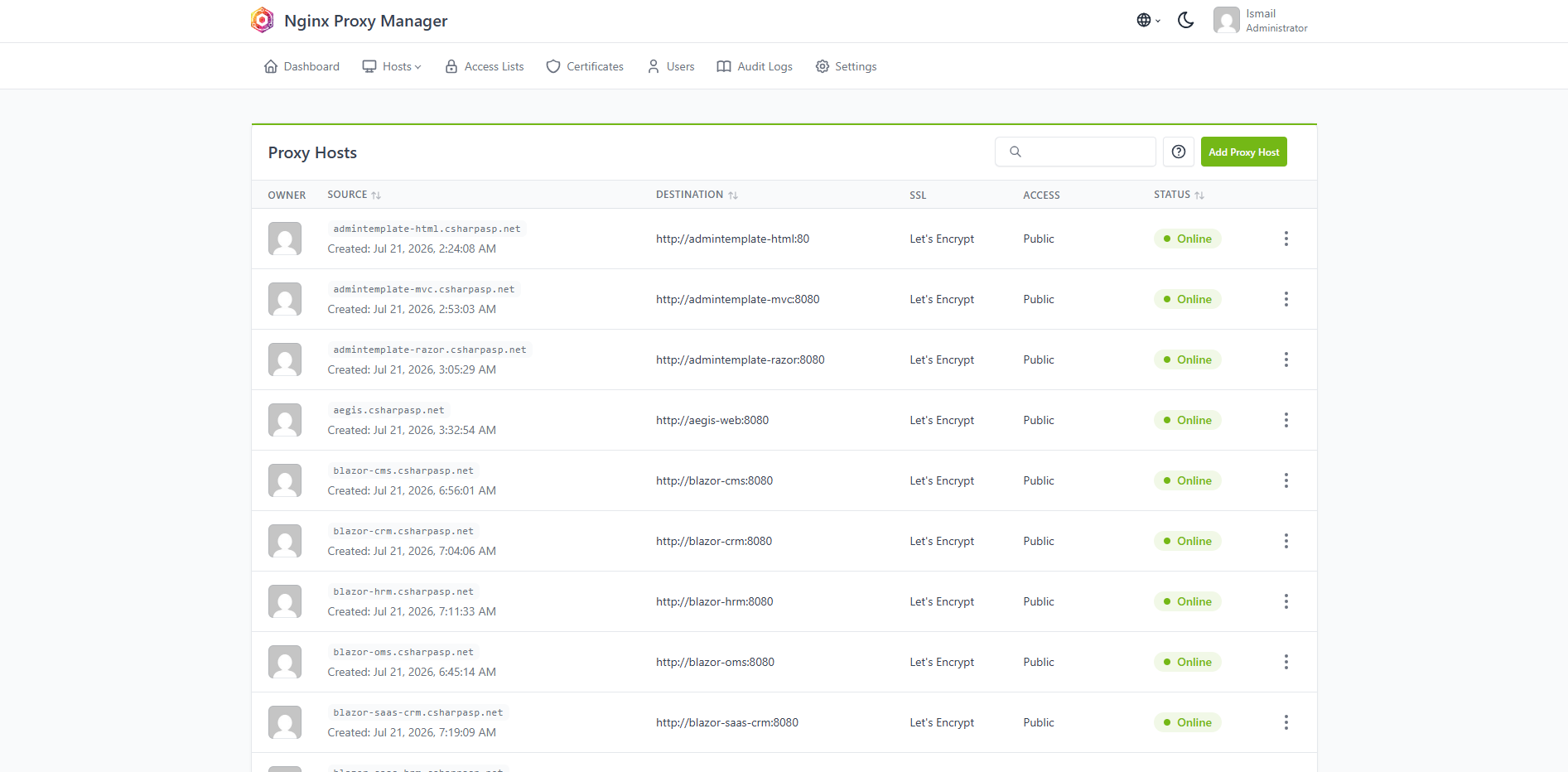
Nginx Proxy Manager real-world

Real-world Nginx Proxy Manager — routing traffic to dozens of containers

Data Layer

PostgreSQL & Microsoft SQL Server

Different projects have different requirements. Some customers prefer PostgreSQL. Others require Microsoft SQL Server.

Both database servers run as Docker containers inside the same private network. Applications connect using container names rather than IP addresses. Everything remains isolated from the public internet. Simple. Secure. Reliable.

Tool #4

CloudBeaver

Browser-Based Database Management

dbeaver.com/cloudbeaver →

Managing databases through Remote Desktop or command-line tools quickly becomes inconvenient. CloudBeaver provides a modern browser-based database management interface.

Because it resides inside the same Docker network, it communicates directly with every database container. No SQL Server ports need to be exposed publicly. No PostgreSQL ports either.

Database administration can be performed securely from anywhere using only HTTPS. For me, this is one of those tools that quietly saves hours every month.

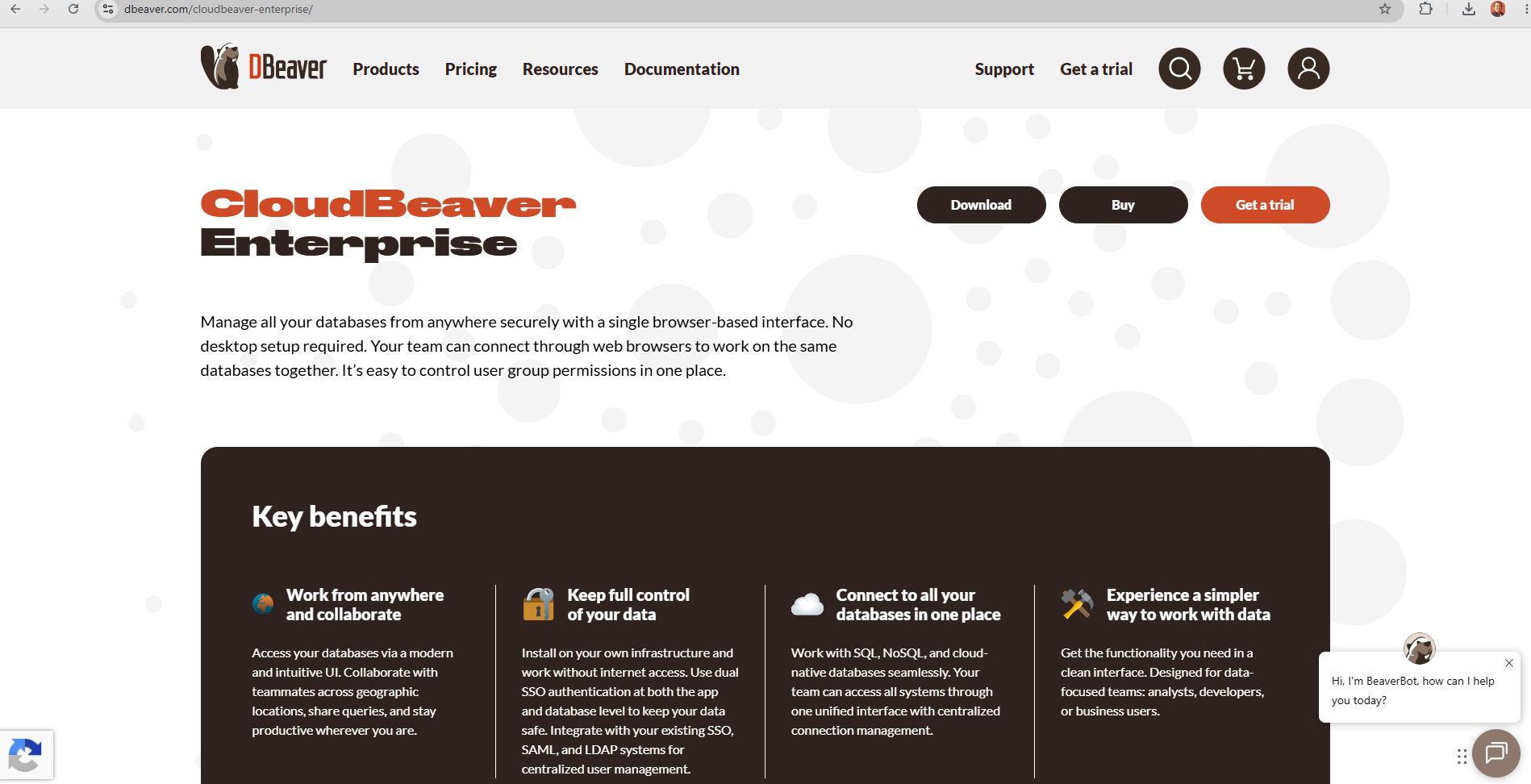
CloudBeaver landing page

CloudBeaver — browser-based database management

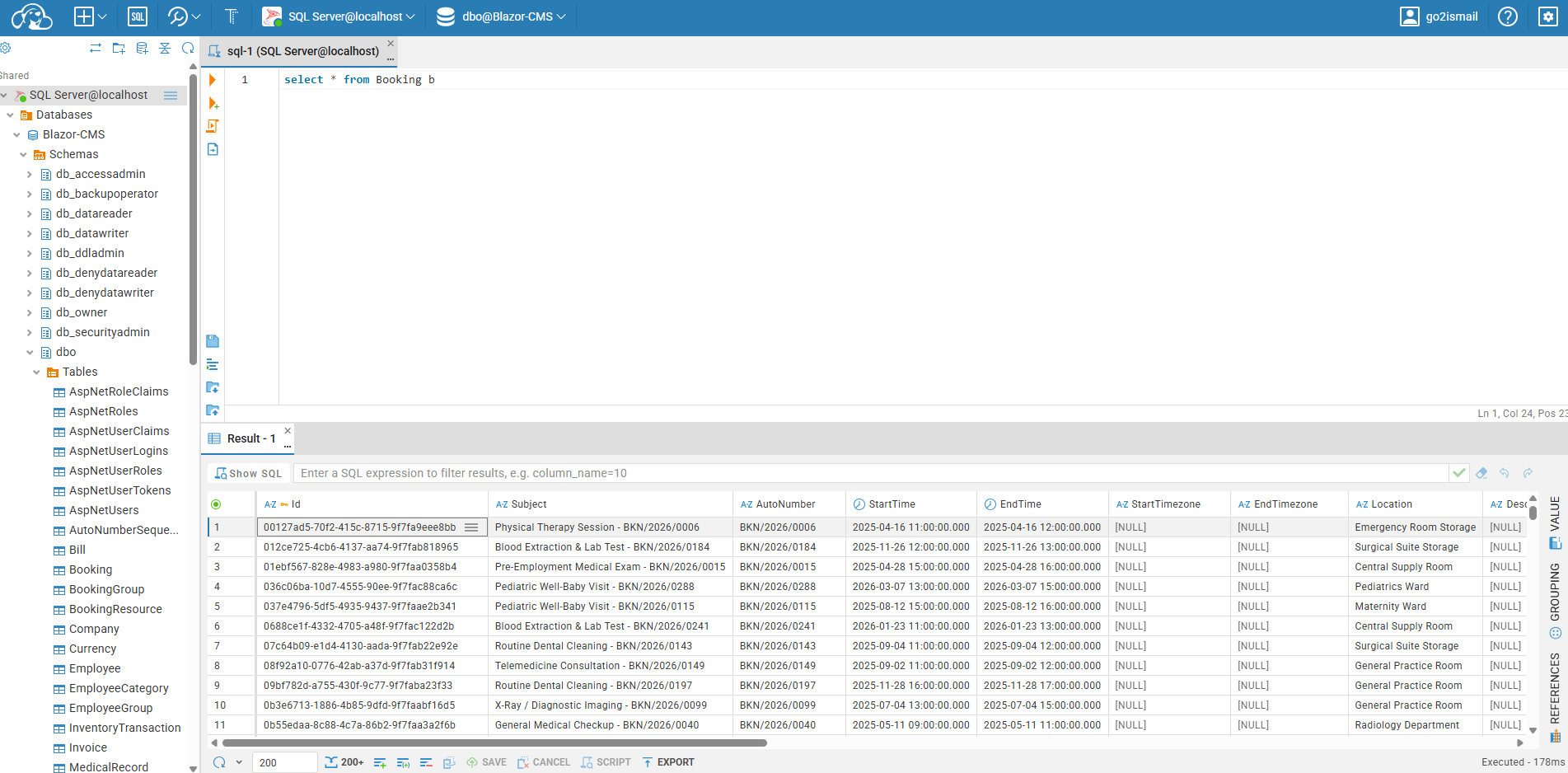
CloudBeaver real-world usage

Real-world CloudBeaver — managing databases securely via browser

Tool #5

Dozzle

Real-Time Docker Logs & Monitoring

dozzle.dev →

One of my favorite discoveries. Dozzle streams Docker logs in real time through an incredibly clean web interface. It also provides quick insight into container activity and overall resource usage.

When one application suddenly consumes more memory than expected, or starts producing unexpected logs, I usually discover it within seconds.

Dozzle intentionally keeps authentication simple. Rather than exposing it publicly, I place it behind Nginx Proxy Manager and enable HTTP Basic Authentication there. This approach keeps the service private while avoiding unnecessary complexity.

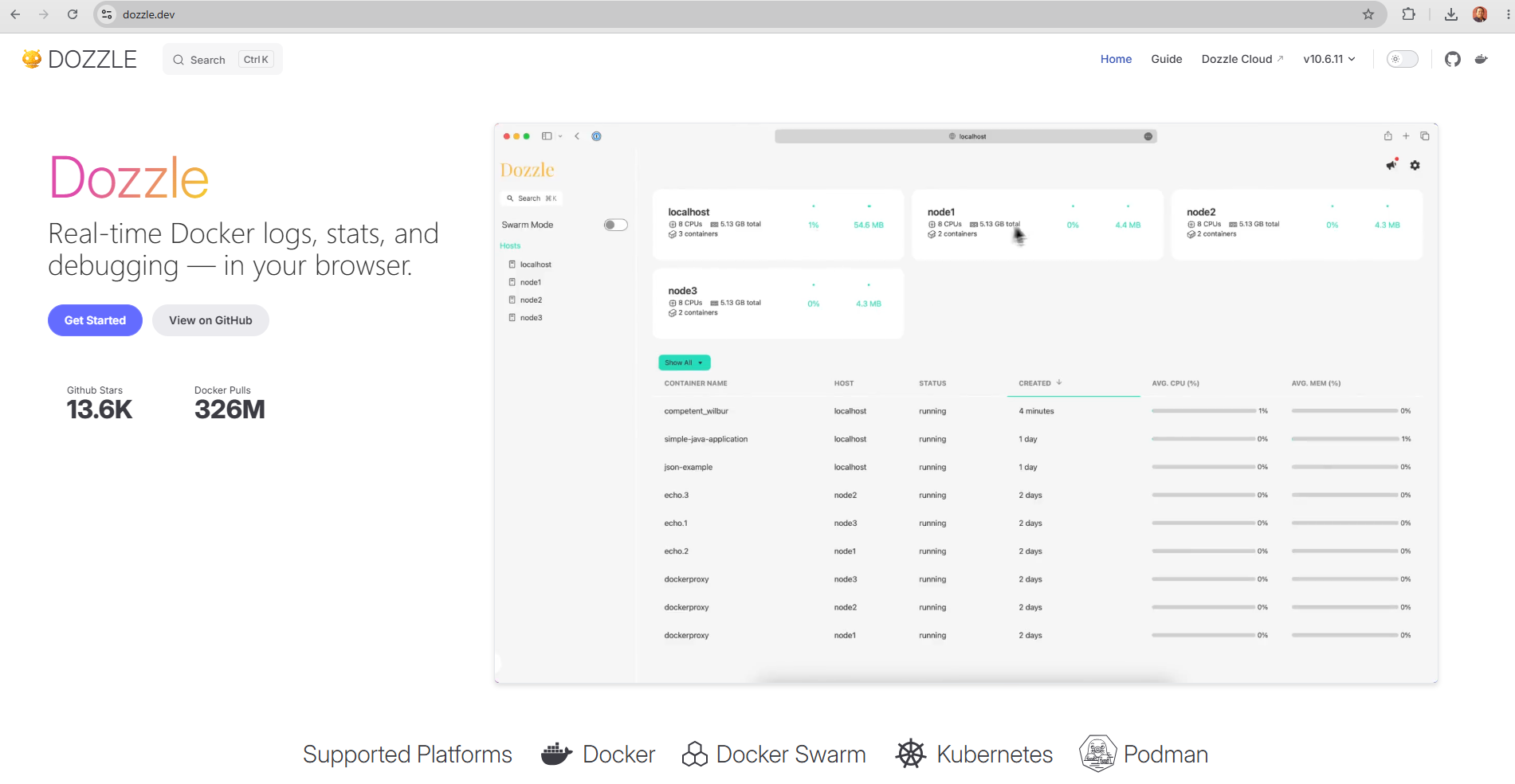
Dozzle landing page

Dozzle — real-time Docker log streaming

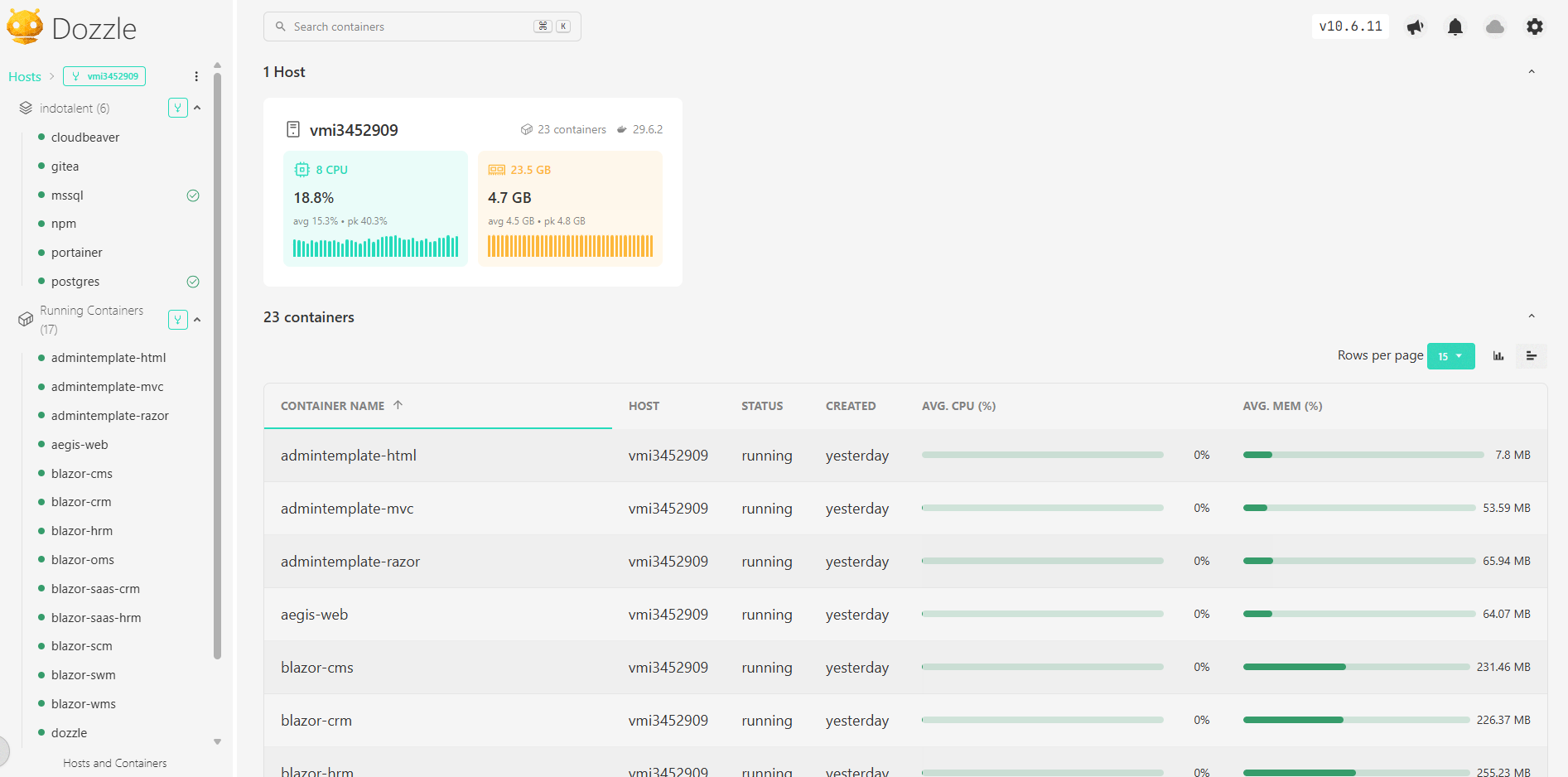
Dozzle real-world usage

Real-world Dozzle — monitoring container logs and resource usage

Integration

Putting Everything Together

Individually, each tool solves a small problem. Together, they create a surprisingly capable developer platform. The workflow looks like this:

Developer
Git Push
Gitea Repository
Portainer detects changes
Docker Compose Build
Container Deployment
Nginx Proxy Manager
HTTPS Live Demo

Updating an application often takes less than a minute. The deployment pipeline is almost invisible. Which is exactly how infrastructure should feel.

Why It Works

Why This Works So Well

This platform wasn't designed to impress DevOps engineers. It was designed to remove friction.

As a solo developer, context switching is expensive. Every minute spent manually deploying software is a minute not spent writing software. Automation isn't about replacing people. It's about eliminating repetitive work.

Today I spend far less time thinking about deployment than I did several years ago. That allows me to focus on what actually creates value: building applications.

Lessons

Lessons Learned

Containers Simplify

Every application carries its own runtime, dependencies, and configuration. There are no "works on my machine" surprises anymore.

Private Networking

Almost every service communicates entirely through Docker's internal network. Very few ports are exposed to the public internet. Smaller attack surface, less configuration, greater peace of mind.

CI/CD Without K8s

Modern deployment pipelines can be remarkably simple. Docker Compose plus Portainer provides more than enough power without introducing unnecessary operational complexity.

Open Source Power

Every major component comes from passionate open-source communities. Their work enables independent developers to build infrastructure that would have required an entire operations team just a few years ago.

Final Thoughts

Final Thoughts

People often ask what cloud platform I use. The answer surprises them.

There isn't one. Instead, I built a small, focused Platform as a Service tailored specifically to my workflow.

It isn't the biggest. It isn't the most complicated. It certainly isn't the most expensive.

But it quietly hosts more than thirty production demo applications, supports smooth CI/CD deployments, minimizes operational overhead, and lets me concentrate on building software instead of maintaining infrastructure.

“Sometimes, the best engineering solution isn't the most sophisticated one. It's the one that stays out of your way and lets you keep creating.”